English
Cancellations, refunds and returns
Your marketplace cancels and refunds orders; you cannot do it from your portal. When it does, the order shows it and your payout follows.
What you see
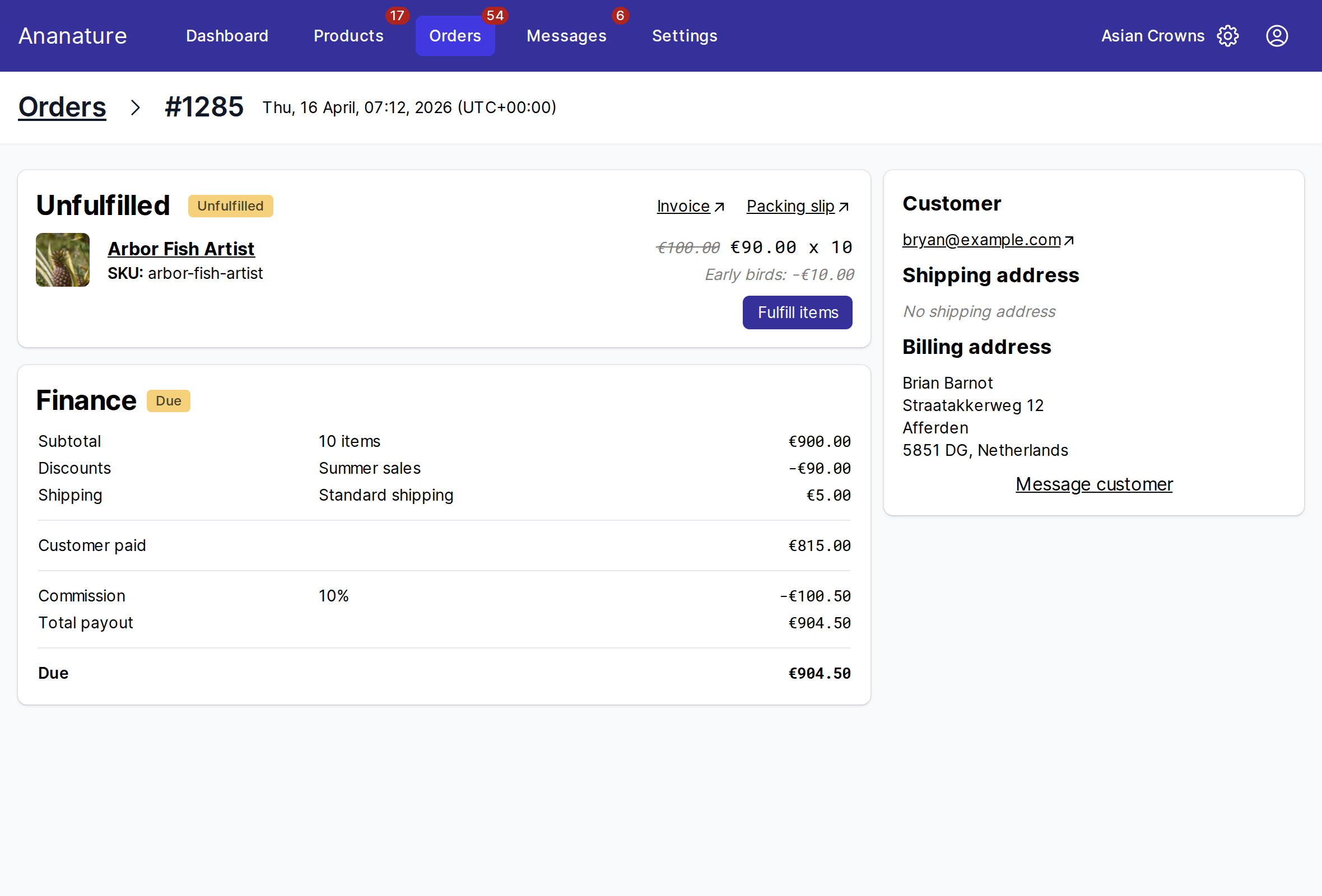
- A
Refundedsection lists the refunded items, with the date and the marketplace's note. - The
Financecard showsCustomer paid, theRefundtaken off, the commission and theTotal payout. TheDueline is what remains to be paid to you. - A cancelled order reads
CancelledinOrders; filter the list on it.
How it changes your payout
A refunded item is not paid to you. If the order was already paid out, the refund is taken off your next payout: the order's Due then shows a negative amount.
What to do
- A cancellation before you ship: nothing. Do not ship the items.
- A refund after you shipped: the customer may return the items. Your marketplace tells you whether to expect the parcel, and takes care of the customer.
- A customer asks you to cancel or refund: send them to the marketplace, or ask the marketplace yourself through
Message customeron the order or its contact.
Ask your marketplace
Its returns policy, who pays the return shipping, how long the customer has, and how to reach it about an order.