English
Add your payout method
Go to Settings > Payouts and connect the account your sales are paid to. Until then the tab shows a dot, and your marketplace cannot pay you.
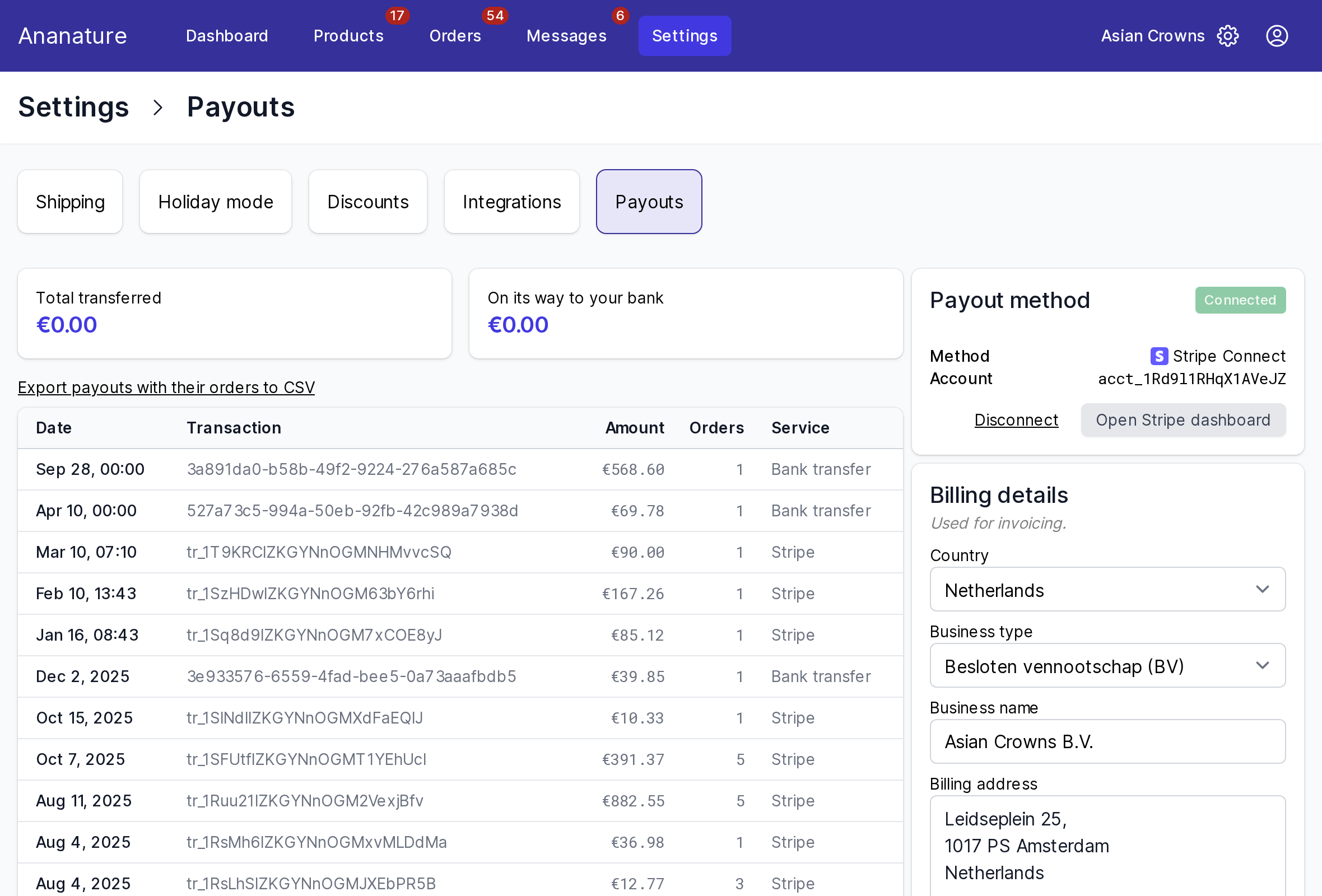
Your marketplace offers one or more of these methods:
Stripe
Click Start onboarding: Stripe asks who you are and where to pay you. Have ready an identity document, your company registration number if you sell as a business, and your bank account (IBAN or account number). Verification takes from a few hours to a few weeks depending on your country. If you stopped halfway, the method reads Incomplete: click Complete setup.
Payouts arrive in the currency of your Stripe account, converted on arrival: a seller in France receives euros from a marketplace selling in pounds. Open Stripe dashboard shows the money on its way to your bank.
PayPal
Enter the email of your PayPal business account and save.
Bank transfer
Pick your country or region, the transfer method when there are several (SEPA, ACH, Faster Payments…), and fill in your bank details. Your marketplace sends the transfers from its bank, with a reference such as Payout 008a3761 that you also see on your payout.
Mollie and Airwallex
Continue opens the provider's own form in a new tab; come back to Settings > Payouts once done.
Billing details
Your country, business type, name, address and VAT number, used on the invoices between you and the marketplace.
Change your payout method
Click Disconnect, then set up the new one. Payouts already sent are not affected.
Ask your marketplace
Which methods it offers, when it pays, and its commission: see When and how much you are paid.