English
Connect your Squarespace store
Connect your store once, from Settings > Integrations, and your products, stock and prices stay in sync with the marketplace without any work on your side: you keep selling from your store, and the marketplace follows.
What syncs
- ✅ Products, prices and stock, checked every 15 minutes
- ✅ Orders: the marketplace's orders are created in your store
- ✅ Tracking, when you mark the order fulfilled in Squarespace
- ❌ Cancellations: you are emailed instead, and cancel the order in Squarespace yourself
Connect
In
Settings > Integrations, pickSquarespaceand follow the installation link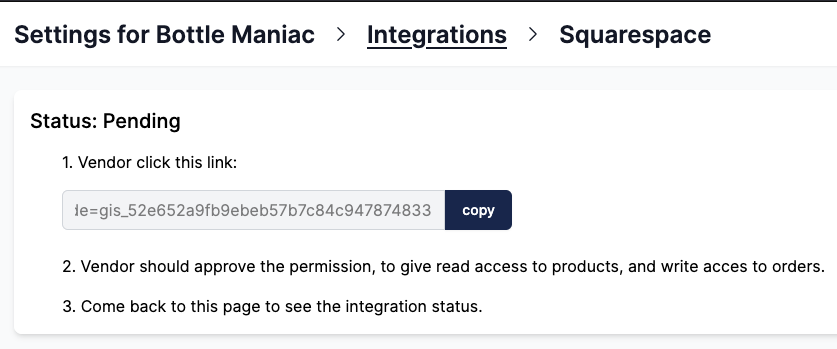
Squarespace asks you to approve the access to your products and orders: click
Allow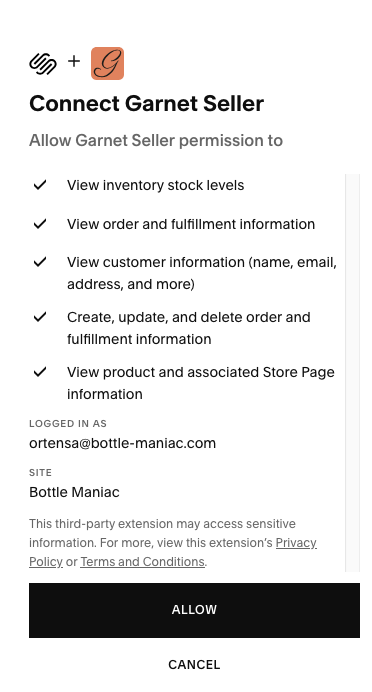
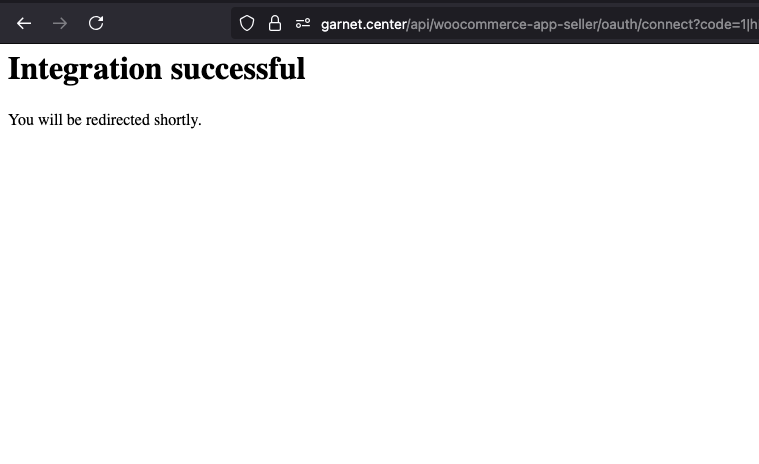
You are back on the marketplace, connected
Your products appear in Products within minutes.
The marketplace's orders in your store
They are regular Squarespace orders whose channel is the marketplace's name, with the marketplace order number as external reference (#1042): filter your orders on it. Mark them fulfilled in Squarespace with the tracking number, and the customer receives it.
If it does not work
- No products yet: the import takes a few minutes; a hidden product is not imported.
- A change took long to show: Squarespace does not announce changes, the marketplace checks every 15 minutes.
- An order was cancelled on the marketplace: it stays open in Squarespace; cancel it there, from the email you received.
Ask your marketplace
Whether it imports all your products or picks them.